
If you have ever pasted a YAML file with &base anchors and << merges into a converter and watched the resulting JSON balloon with repeated objects, you have already seen the core limitation firsthand. YAML anchors and aliases are a serialization detail that lets one node stand in for another while the document is being written; JSON has no equivalent syntax for objects or arrays. When you convert YAML anchors to JSON, merge keys and aliases get expanded into plain, repeated values, because a JSON document can only express the data itself, not the notation YAML uses to reuse it. This article walks through exactly what that expansion looks like, why merge keys behave differently from simple aliases, and why the JSON that comes out can end up larger than the YAML that went in.
Table of Contents

The Short Answer: JSON Has No Anchor Syntax
The direct answer is that JSON was never designed to carry YAML’s reuse notation. YAML 1.2.2 treats an anchor name like &base as a serialization detail: it marks a node so a later alias such as *base can point back to it, but the anchor name itself is discarded once the YAML document is composed into data. RFC 8259, the JSON specification, defines only values, objects and arrays; it has no concept of an anchor, an alias or a shared reference between nodes. A parser that understands YAML anchors has to resolve every alias into an actual copy of the anchored value before it can hand that data to JSON.stringify or any other JSON serializer.
This is exactly what happens when you run a document through the site’s YAML to JSON converter. Its documentation states that it parses YAML with js-yaml 4.1.0 and serializes the result with JSON.stringify, and that aliases and merge keys are resolved rather than passed through unchanged. The output is correct, well-formed JSON, but it no longer records that two values were ever the same node in the source document.

From YAML Anchors to JSON: What Happens to Merge Keys
Take a small configuration file that defines shared defaults, then reuses and partially overrides them:
defaults: &base
  timeout: 30
  retries: 2
staging:
  <<: *base
  retries: 4
production: *base
Before converting a real file, it is worth checking that the indentation and anchor markers are actually valid. Running the document through the YAML Validator first will flag a misplaced anchor or merge key before it produces confusing output later. Once the YAML is valid, converting it is expected to expand every alias into its resolved value, producing JSON along these lines:
{
  "defaults": { "timeout": 30, "retries": 2 },
  "staging": { "timeout": 30, "retries": 4 },
  "production": { "timeout": 30, "retries": 2 }
}
Notice that defaults, staging and production each carry a full timeout and retries pair. Formatting and member order can vary between parsers, but the shape stays the same: nothing in the JSON says that staging and production were ever derived from defaults.

Alias vs Merge Key: Two Different Behaviors
It helps to separate two YAML features that are easy to conflate. An alias such as production: *base substitutes the entire anchored mapping in place of itself; the value of production becomes an exact copy of defaults. A merge key, written as <<: *base, works differently: it merges the anchored mapping’s entries into the surrounding mapping rather than replacing it outright, so staging keeps its own explicitly listed keys alongside the merged ones.
The override rule matters here. The merge key convention states that explicit keys in a mapping win over merged keys from an alias, and when several source mappings are merged, earlier sources take precedence over later ones. In the example above, staging explicitly sets retries: 4, so that value wins over the retries: 2 pulled in from <<: *base; the merged timeout: 30 is kept because staging never overrides it.
It is worth being precise about where this feature comes from. The << merge key is not part of the YAML 1.2.2 core specification; it originates in a YAML 1.1-era type document dated 2005. That means support for merge keys is parser- and schema-dependent, so do not assume every YAML library expands them, or expands them identically. Nor are the characters << forbidden in JSON: they are a perfectly ordinary string and can appear as a property name, but plain JSON gives that name no special merge behavior at all.
YAML Anchors to JSON Merge Keys and Why Output Can Grow
Because JSON has no way to say this value is the same as that one, a converter’s only option is to repeat the resolved data everywhere it is used. In the small example above the effect is modest, but in a real configuration file with dozens of services sharing one large &base block, expanding every alias can make the JSON noticeably larger than the compact YAML it came from. How much larger depends entirely on how much data is shared and how many places reuse it, plus whatever indentation the JSON is printed with; there is no fixed multiplier to expect.
This also explains why converting back is a one-way trip. Feeding the expanded JSON into the site’s JSON to YAML converter, and adjusting its indentation setting, will produce valid YAML again, but it cannot invent anchor names or infer that staging and production once shared a node with defaults. The tool’s own documentation confirms this directly: its output uses no YAML anchors or aliases, because by the time the data reaches it, that information is already gone.
If you need to keep a configuration file DRY on disk while still publishing a plain JSON copy for consumers that expect one, treat the YAML with anchors as the source of truth and the JSON as a generated, expanded artifact, rather than editing the JSON directly and converting it back.
Round-Trips, Portability, and Cyclic Reference Limits
YAML’s alias mechanism can go further than simple reuse: because an alias just points at a node, it is technically possible to construct a YAML document where a node contains an alias back to one of its own ancestors, creating a cycle. That is a real part of YAML’s data model, but it is not an opportunity for JSON to expand infinitely. The site’s converter serializes with JSON.stringify, and JSON.stringify cannot serialize a cyclic JavaScript object; encountering one raises an error rather than producing ever-growing output. That is a conversion failure to fix in the source YAML, not a feature to rely on.
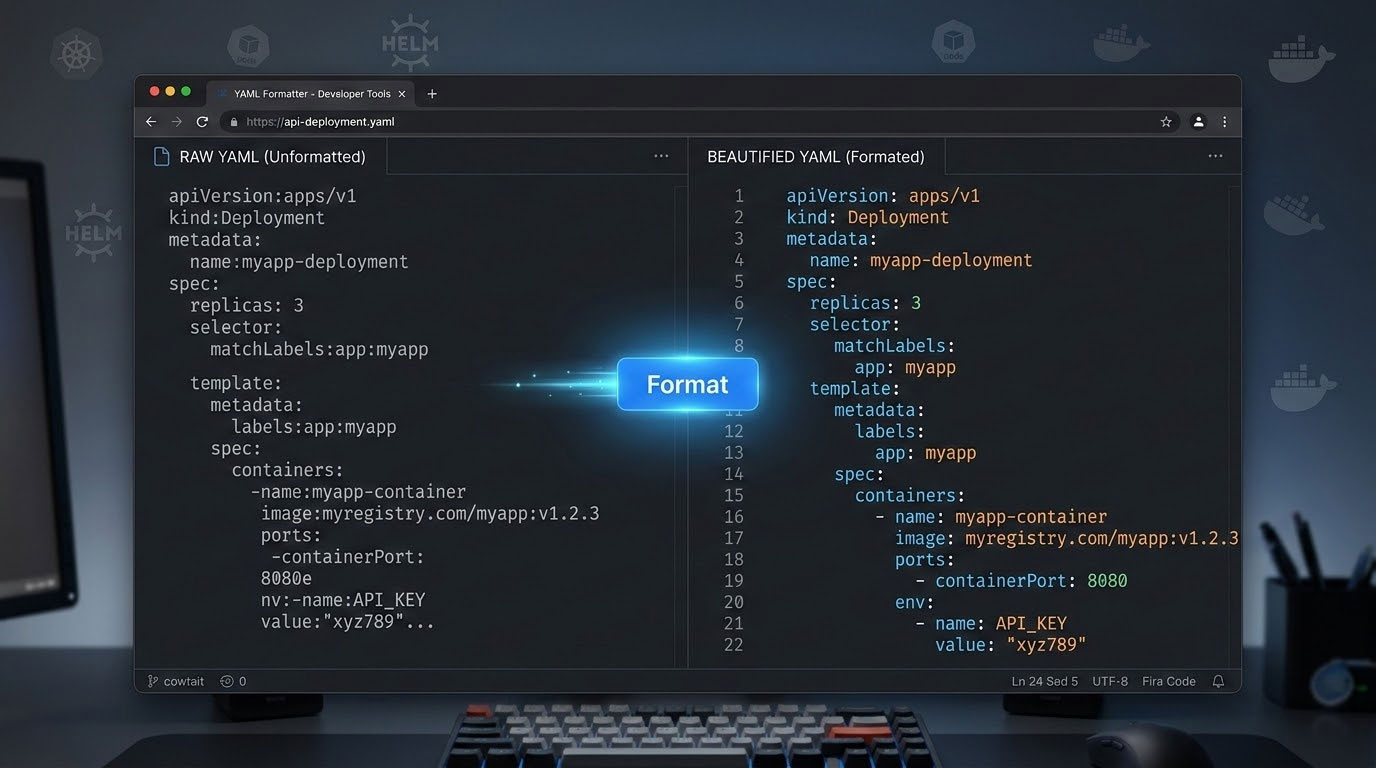
Keep in mind that anchor and merge key handling depends on the parser version behind a given tool. The behavior described here matches the site’s stated js-yaml 4.1.0, and should not be assumed to carry over unchanged to other libraries or future releases. If you regularly hand-edit YAML with anchors, running it through the YAML Formatter keeps indentation consistent, which reduces the chance of an anchor or merge key ending up at the wrong nesting level. The YAML Formatter and Validator guide covers more of the syntax rules that anchors and merges depend on, including consistent indentation and error messages.
Once you have expanded JSON in hand, the JSON Validator is a quick way to confirm the converted document still parses correctly before you use it elsewhere.
Frequently asked questions
Why does my JSON file look bigger than the YAML I converted it from?
Because JSON has no anchor or alias syntax, a converter must write out the full resolved value everywhere a YAML alias referenced it, so shared data gets repeated instead of referenced once.
What is the difference between a YAML alias and a merge key?
An alias such as *base substitutes an entire anchored node in place of itself, while a merge key such as <<: *base merges the anchored mapping’s entries into the current mapping, letting you keep some keys and override others.
Which value wins when a merge key and an explicit key set the same field?
The explicitly written key in the mapping takes precedence over any value pulled in through a merge key; when multiple mappings are merged, earlier sources take precedence over later ones.
Is the << merge key part of the official YAML specification?
No. It comes from a 2005 YAML 1.1-era type document rather than the core YAML 1.2.2 specification, so support for it depends on the parser and schema you use.
Can I convert expanded JSON back into YAML with anchors restored?
Not automatically. The site’s JSON to YAML converter documents that its output uses no anchors or aliases, since the expanded JSON no longer carries any information about which values were once shared.
Does JSON forbid property names like double less-than signs?
No. Those characters form a valid JSON string and can be used as an ordinary property name; JSON simply gives that name no special merge meaning the way YAML does.
What happens if my YAML has a cyclic alias, where a node refers back to itself?
YAML’s alias model can represent that structure, but JSON.stringify cannot serialize a cyclic object and raises an error instead, so a cyclic reference needs to be resolved in the YAML before conversion, not expanded into JSON.
Next steps
Converting YAML anchors to JSON, merge keys and all, is expected behavior, not a bug: YAML’s anchor notation is a way of writing a document, while JSON can only hold the values that notation produces. Once you know that &base, *base and << are resolved into ordinary repeated values, the size difference between a compact YAML file and its expanded JSON output stops being a surprise and becomes something you can plan around, especially for configuration files that lean heavily on shared defaults.
Related tools and resources on HTML Editor Online:
- YAML to JSON
- JSON to YAML
- YAML Validator
- YAML Formatter and Validator: The Complete Guide to Clean, Error-Free YAML
Sources and further reading
- https://yaml.org/spec/1.2.2/
- https://yaml.org/type/merge.html
- https://www.rfc-editor.org/rfc/rfc8259.html
- https://developer.mozilla.org/en-US/docs/Web/JavaScript/Reference/Errors/Cyclic_object_value
- https://yaml.org/spec/1.2.2/ext/changes/
- https://html-editor-online.com/tools/yaml_to_json
- https://html-editor-online.com/tools/json_to_yaml






Comments