WYSIWYG Editor Autosave Stops After Inserting Base64 Image: Why and What to Do
WYSIWYG editor autosave can stop after inserting a base64 image because the draft outgrows browser storage. Learn to confirm it and save your work.
WYSIWYG editor autosave can stop after inserting a base64 image because the draft outgrows browser storage. Learn to confirm it and save your work.
A browser HTML editor draft missing in incognito or another browser is usually separate local storage, not deletion. See what to check and how to export.
Ctrl+S in a browser code editor saves a local draft, not a file. See what Download does in the HTML and JSON editors and why storage is no backup.
WYSIWYG editor two tabs overwrite draft risk explained: both tabs share one saved document, so download HTML for each project before you switch.
Copy HTML pastes tags instead of formatted text in Word when the clipboard holds source. See why, and how Copy Rich Text gives Word styled content.
An HTML based doc file is not a docx Word export: learn what content.doc contains and how to open it in Word and save a real .docx.
A WYSIWYG HTML download missing doctype, head and body is a content fragment. See when to keep it for a CMS and how to wrap it in a full page.
WYSIWYG TXT import line breaks collapse because a .txt file is read as HTML. Learn what to compare and how to keep paragraphs with Download HTML.
A WYSIWYG numbered list plain text export may not carry visible step numbers. Learn how to check the TXT file and add literal prefixes when needed.
WYSIWYG TXT export missing link urls? Learn why the href stays in HTML, how to check it in Source, and how to print the address in text.
ql-indent-1 nested list not working in CMS? Learn why a Quill indent class is not real nesting and how to inspect and rebuild the markup.
If ql-align-center is not working in email HTML, the export likely has a class but no CSS rule. Learn to inspect it and declare text-align on the paragraph.
Quill bullet list shows numbers after pasting HTML? Learn to inspect the exported markup, spot missing list styling and test a safe ul fix in your CMS.
Pasted HTML table disappears in WYSIWYG editor? Learn how to check the source and keep it in the HTML Code Editor or Table Generator.
Remove formatting from pasted text in a WYSIWYG HTML editor by clearing selected styles, then check the Source view to confirm fonts and colors are gone.
WYSIWYG source view removes class and ID attributes when Source edits pass through Quill. See an example, a quick check and where to keep exact markup.
Table HTML generator workflow: check rows and headers in the JSON Editor, type them into the grid, then copy the table markup.
WYSIWYG heading levels out of order? See how to pick h2 to h6 by document structure, check the exported HTML source and fix the outline.
Make a WYSIWYG video embed responsive by exporting the iframe markup, then letting CSS width and aspect-ratio fit it to a phone screen.
A markdown javascript editor is a workflow, not one window. Draft Markdown, convert it to HTML, preview it as rich text, test a snippet, and know where each step stops.
A visual CSS editor can mean clicking controls or writing CSS beside a live preview. See how the browser CSS Editor works, where its fixed sample page stops, and when to test on your own HTML.
Paste Markdown into a sanitized converter, copy or download formatted output, edit it in a visual editor and convert it back. Here is what survives the trip and what to check by hand.
A beginner-friendly walkthrough for turning a JSON array into a spreadsheet-ready CSV: check the input, flatten nested objects, set the header row, choose a delimiter and verify the import in Excel or Google Sheets.
A YAML literal block written with a bare pipe keeps its final line break, and JSON can only show that character as an escape. Compare |, |- and |+ and check the decoded value.
A rule written as :where(#content) a can match a link and still lose to footer a. This guide scores both selectors, explains why order and !important are the wrong first fixes, and shows how to test the result.
Learn how to draft email copy in a browser editor, keep the draft safe with auto-save and downloads, export HTML, and tidy the markup before it goes to your sending platform. Checked October 7, 2026.
A relative Markdown link needs its repository to mean anything. Learn why the destination disappears when you convert and paste into Word, and how to fix it first.
A README example with a nested triple-backtick fence can close its outer wrapper too early, cutting off the last line. Here is why that happens and two reliable fixes.
If a CSV data row has more cells than the header, the overflow value can vanish during conversion. Here is how to find the row and repair the CSV.
A pasted Quill snippet can keep its text but lose indentation, font and spacing. Learn how to tell missing CSS from stripped HTML and choose a safe handoff.
A prefixed name such as xlink:href needs an in-scope xmlns:xlink declaration. Learn how to find the missing binding, fix it without changing meaning, and confirm the result.
A 17-digit ID can pass validation and still come back with a different last digit. Learn the JavaScript precision limit behind it and how string IDs keep your digits intact.
A ZIP code that reads 02134 in your CSV can silently become 2134 once you convert to JSON. Here is why the site's CSV to JSON tool does that, how the Auto types setting controls it, and why a valid JSON file can still hide a lost leading zero.
A worked example showing why a flex item resists shrinking around a long URL, and how min-width: 0 plus overflow-wrap: anywhere fix both halves of the problem.
A single space separates .menu :focus from .menu:focus, and a text based minifier can quietly remove it. See exactly which element each selector matches, reproduce the change with a small test page, and fix it without losing keyboard focus visibility.
One XML item converts to a JSON object, while two items convert to an array. Learn the mapping rule, the bug it causes in consuming code, and how to normalize safely.
The HTML Table Generator creates column headers, but you must add row headers yourself using th and scope for a fully labeled, accessible table.
YAML anchors and merge keys are a writing shortcut, not a JSON feature. See a side-by-side example of how a YAML to JSON converter expands aliases and merges into repeated values, why that can make JSON output larger, and why converting back cannot restore the original anchors.
If your JSON to CSV export gives one row instead of one row per record, the input shape is the cause. Learn how to find the records array inside a wrapped API response, how nested arrays differ from record arrays, and how to sanity-check CSV quoting.
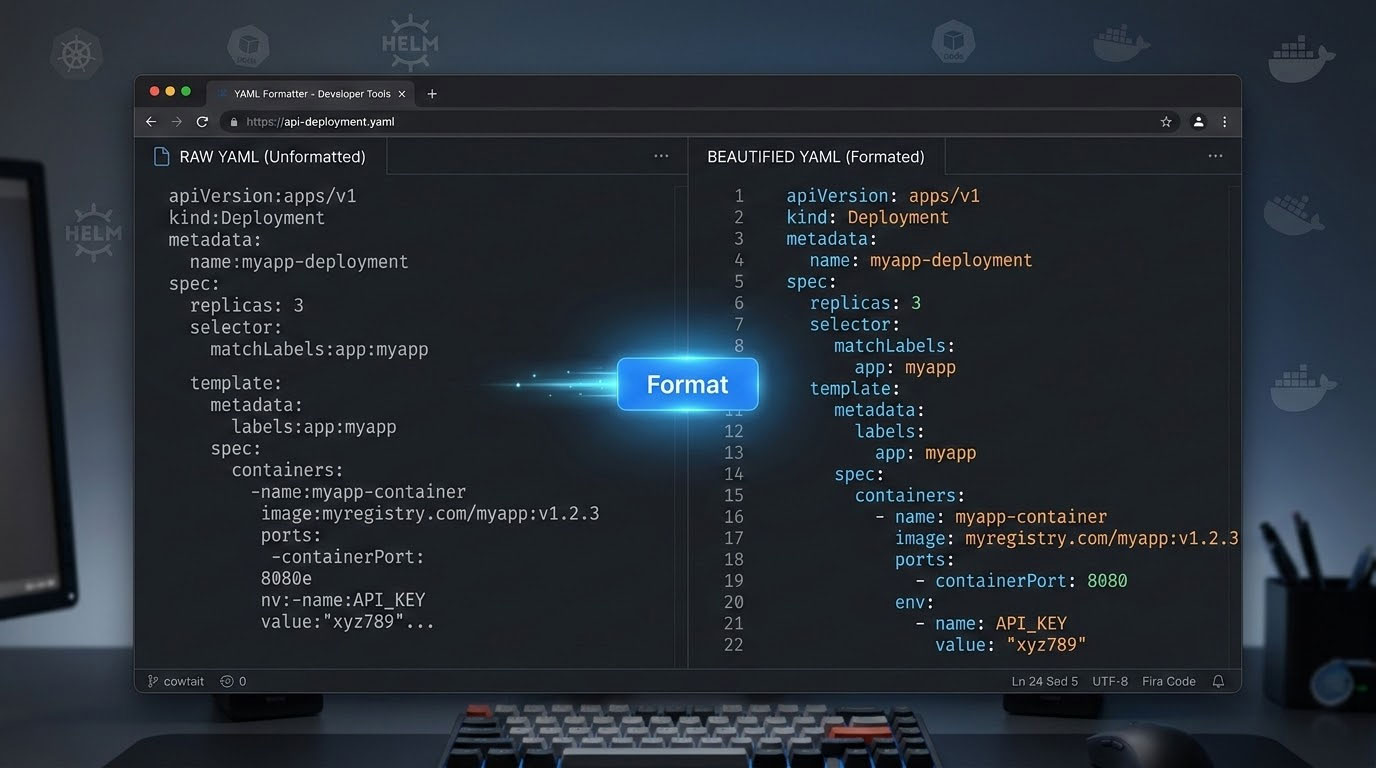
If you have ever spent hours tracking down a mysterious deployment failure only to discover a single misplaced space in your YAML configuration file, you already understand why a reliable YAML formatter…
Messy SQL is one of the fastest ways to slow down a development team. When queries are crammed into a single line with inconsistent casing and no indentation, debugging takes longer, code…
Every developer, data analyst, and project manager eventually faces the same challenge: you have data trapped in a CSV spreadsheet, but your application, API, or database expects JSON. Whether you are migrating…
With over 800 million people using ChatGPT every week and more than 1 billion people worldwide interacting with generative AI tools, the quality of the prompts you write directly determines the quality…
Whether you need to write clean HTML, format a messy JSON file, or minify CSS before deployment, having the right online web development tools at your fingertips can save hours of manual…
Whether you are building a REST API, configuring a cloud service, or exchanging data between microservices, tips for formatting JSON can save you hours of debugging and make your codebase significantly easier…
Whether you are debugging an API response, editing a configuration file, or building a data pipeline, working with JSON is a daily reality for modern developers. Yet raw JSON data — with…
Creating web content used to mean writing raw HTML by hand, toggling between code editors and browser previews, and spending hours troubleshooting layout issues you could not see in real time. An…
Cascading Style Sheets (CSS) is the backbone of every visually appealing website on the internet. With the web development services market valued at over $80 billion in 2025 and growing at a…
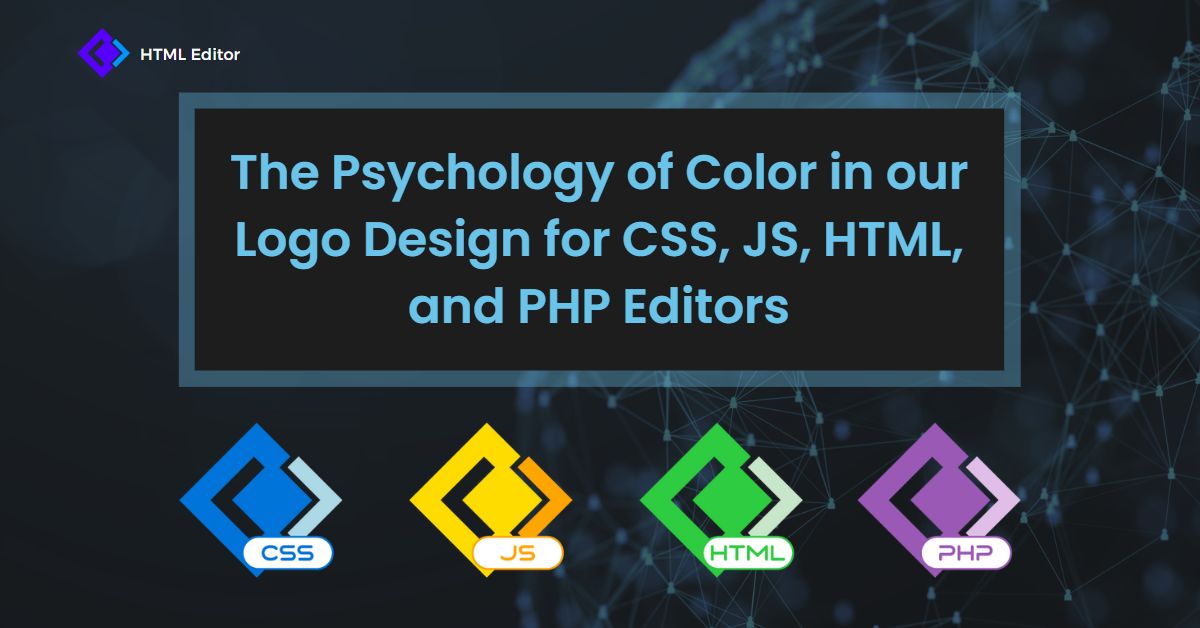
Every developer tool makes a first impression before a single line of code is written. The colors in a code editor branding strategy shape how users perceive reliability, creativity, and technical capability…
Whether you are building your first website or managing enterprise-level web applications, choosing the right HTML editors can make the difference between a frustrating workflow and a productive one. With over 1.3…
Even experienced developers fall into bad habits when coding in HTML. A single missing alt attribute, an overused <div>, or a deprecated tag can quietly harm your site’s accessibility, SEO rankings, and…
If you’ve ever used Microsoft Word, Google Docs, or WordPress to create content, you’ve already experienced a WYSIWYG editor in action. WYSIWYG—pronounced “wiz-ee-wig”—stands for “What You See Is What You Get,” and…
Whether you are building a website, drafting an email newsletter, or managing a blog, the tool you use to create content shapes the entire experience. A WYSIWYG editor — short for “What…
Whether you are building your first website or managing a complex web project, finding the right HTML editor can transform your entire workflow. With close to 2 billion websites on the internet…
With over 600 million blogs worldwide and more than 7.5 million new posts published every day, standing out online starts with how your blog looks and functions. Whether you are launching a…